 Skip to main content
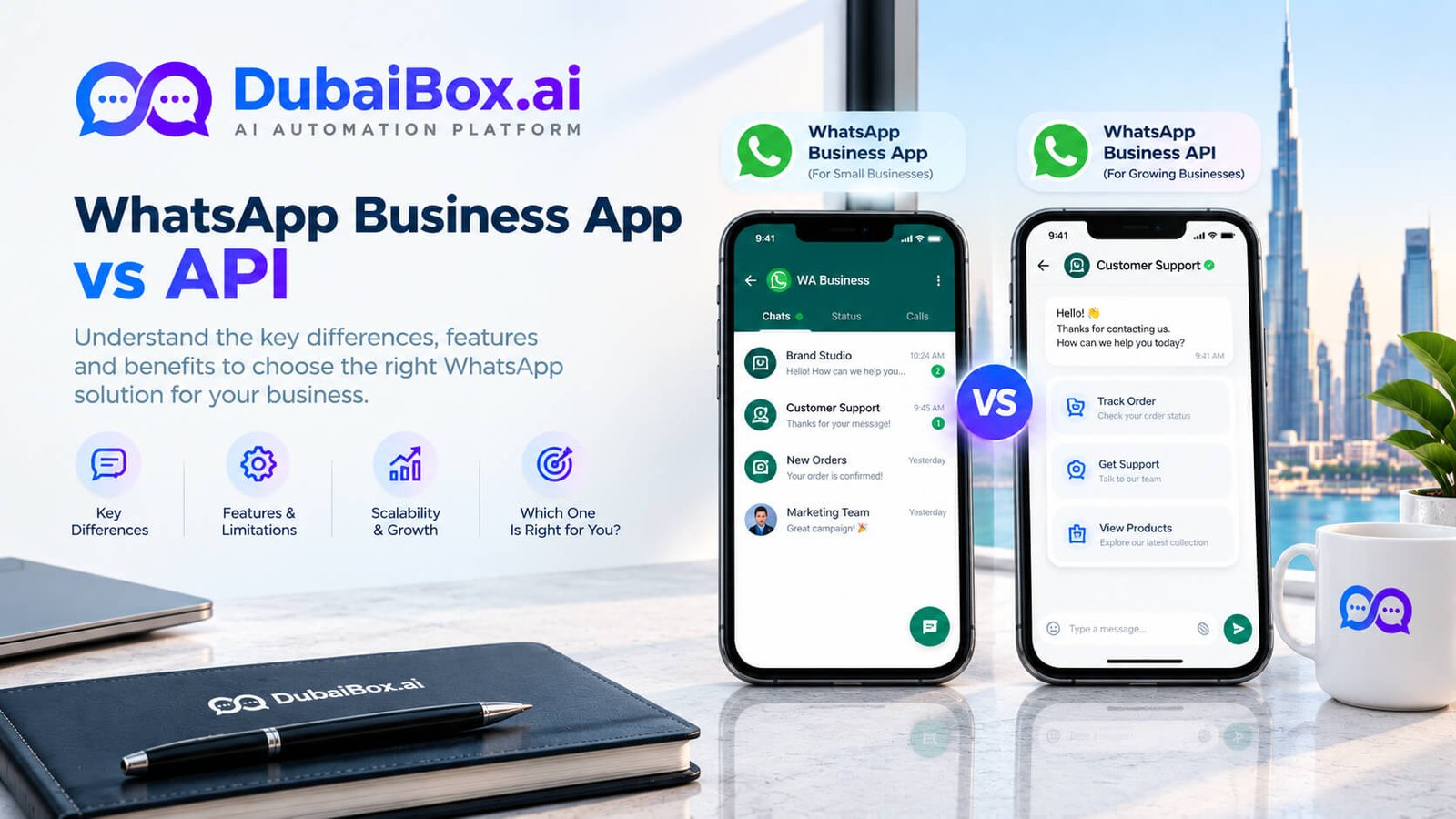
The WhatsApp Business app is free and runs on your phone, which suits a small team replying to chats by hand. The WhatsApp Business API (officially the WhatsApp Business Platform) is paid and has no app of its own; it connects WhatsApp to a shared team inbox, chatbots and your CRM. Switch to the API when several people answer chats, you need automation, or you message customers at scale.
In the UAE, WhatsApp is often the first place customers contact a business, whether they are booking an appointment, asking about a property or checking an order. Many businesses start on the free app and only realise they have outgrown it when chats get missed. This guide compares the WhatsApp Business app vs API in plain terms: what each one does, the key differences side by side, which fits your business and what changes when you switch.
If you already know you need the API, see how our WhatsApp Business API automation service sets it up for Dubai businesses.
What is the WhatsApp Business app?
The WhatsApp Business app is a free app from Meta, built for small businesses. You download it, register your business number and start chatting the same day. It gives you:
- A business profile with your address, hours, website and a product catalogue.
- Greeting and away messages, quick replies and chat labels.
- Broadcast lists of up to 256 contacts who have saved your number.
- Use on up to five linked devices, with WhatsApp calls and group chats.
Everything is manual: a person reads each message and types each reply. That works well until chat volume grows or several staff need to share the work.
What is the WhatsApp Business API (Business Platform)?
The WhatsApp Business API, now officially called the WhatsApp Business Platform, is Meta’s paid solution for businesses that need scale and automation. It is not an app you download. Instead, it connects your WhatsApp number to software: a shared inbox for your team, an AI chatbot, your booking system or your CRM.
Businesses access it through Meta’s Cloud API directly or, more commonly, through a Business Solution Provider (BSP) that supplies the inbox and tools. For the full setup process, documents and approval steps in the UAE, read our WhatsApp Business API guide.
WhatsApp Business app vs API: side-by-side comparison
Feature | WhatsApp Business app | WhatsApp Business API |
|---|---|---|
Price | Free | Paid: Meta message fees plus provider fees |
Who it suits | Solo owners and small teams | Growing teams, multi-branch and high-volume businesses |
Team access | Up to 5 linked devices | Unlimited agents in a shared inbox |
Chatbots and automation | Basic greeting, away and quick replies only | Full chatbots, AI replies and automated flows |
Outbound messages | Broadcast lists of up to 256 contacts | Approved message templates, with sending limits that grow over time |
Buttons and interactive messages | No | Yes: quick-reply and call-to-action buttons, lists and forms |
Integrations (CRM, calendar, e-commerce) | No | Yes |
Verified business badge | Limited | Available to eligible businesses |
Calls and group chats | Yes | No group chats on API numbers |
Setup time | Minutes | Days, including business verification |
In short: the app is a messenger for people, and the API is infrastructure for systems. If you want an AI assistant to answer for you, see how a WhatsApp AI chatbot works; it always runs on the API.
Which one fits your UAE business?
Choose the app if one or two people handle WhatsApp, you get a manageable number of chats a day, and you are happy replying from a phone.
Choose the API if any of these sound familiar: several staff answer chats from one number, customers wait hours for replies, you answer the same questions all day, you need replies after hours, or you want WhatsApp linked to bookings, leads or orders.
A solo salon or freelance service
The free app is usually enough. Use quick replies for prices and an away message for after hours.
A clinic with a front desk
Once two or three receptionists share booking chats, the API’s shared inbox and booking integration save time and stop double replies.
A real estate brokerage
Portal leads arrive at all hours and need fast, tracked follow-up. The API lets every agent work from one number while leads flow into your CRM.
An online store
Order confirmations, delivery updates and support at scale need templates and automation, which only the API offers.
Switching from the app to the API: what changes
- Your number can move: you can usually migrate your existing business number, so customers keep the same contact.
- Chat history does not come with it: back up important conversations before you migrate.
- The phone app stops working on that number: after a full migration, your team replies through the API inbox instead.
- Verification comes first: Meta needs to verify your business, which takes a few days through most providers.
- Coexistence is changing the picture: Meta now offers an option in some markets to keep using the app alongside the API on one number; check availability for your UAE number.
Costs at a glance
The app costs nothing. The API has two cost layers: Meta’s fee for each delivered template message, which depends on the message category and the customer’s country, and your provider’s platform fee. From 1 October 2026, Meta also charges for messages sent inside the 24-hour customer service window. You can check current rates on Meta’s WhatsApp Business Platform pricing page, and we break the numbers down in AED in our guide to WhatsApp API pricing in the UAE.
How Dubai Box Ai helps you decide and switch
Dubai Box Ai’s WhatsApp team reviews how your team uses WhatsApp today, tells you honestly whether the free app is still enough, and, if you switch, handles verification, the shared inbox, templates and staff training so customers keep reaching you on the same number.
Frequently Asked Questions
No. The WhatsApp Business app is free, but the API (WhatsApp Business Platform) is paid. Meta charges per delivered template message, with rates that depend on the message type and the customer's country, and your provider usually adds a platform fee. From 1 October 2026, Meta also charges for messages sent inside the 24-hour customer service window.
Usually yes. You can move a number you already use on the WhatsApp Business app to the API, as long as it can receive a verification code. Customers keep messaging the same number, and your business name and profile can be set up again on the API side.
When a number is fully migrated from the app to the API, the chat history stored in the app is not carried over. Export or back up important conversations before you switch, and make sure your team knows where new chats will appear.
Traditionally, no: once a number moved to the API, it stopped working in the app. Meta now offers a coexistence option in some markets that lets a business keep using the app alongside the API on one number. Check with your provider whether it is available for your UAE number before you plan around it.
It is worth it once WhatsApp becomes part of daily operations: more than one person answers chats, you repeat the same answers all day, you need after-hours replies, or you want messages to connect with your booking system or CRM. If one person handles a few chats a day, the free app is enough.
Not sure whether you need the app or the API? Tell us how your team uses WhatsApp today and we will recommend the right option in a free 15-minute call. Contact us to book it. |
Contact & Booking Details
Call: +971 58 258 5138
WhatsApp: +971 58 258 5138
Email: hi@dubaibox.ai
Address: Office 1607, Empire Heights A, Business Bay, Dubai, UAE
Related Post
- October 12, 2026
AI Appointment Reminder Calls: Cut Dubai Clinic No-Shows
- October 10, 2026
WhatsApp Automation vs Chatbot: What Is the Difference?
- October 9, 2026
