It is 11 pm and a customer messages your salon: “Any slot tomorrow after 6?” Nobody is at the desk, yet a reply arrives in seconds offering 6:30 or 8:00, and the booking is in your calendar before you wake up. That is a WhatsApp AI chatbot at work.
In short: the customer’s message reaches Meta’s WhatsApp Business Platform, which passes it to your chatbot software; the AI works out what the customer wants, checks your information and replies, or hands the chat to your team.
Most UAE customers would rather send a WhatsApp message than make a call or fill in a form. That is great for business, until your team is answering the same twenty questions all day and missing messages after hours. If you are wondering how a WhatsApp AI chatbot works before you invest in one, this guide explains it in plain English: what happens behind each chat, the parts that make it run, the rules it follows and what you need to start.
If you already know you want one, see our WhatsApp AI chatbot service for Dubai businesses.
How does a WhatsApp AI chatbot work, step by step?
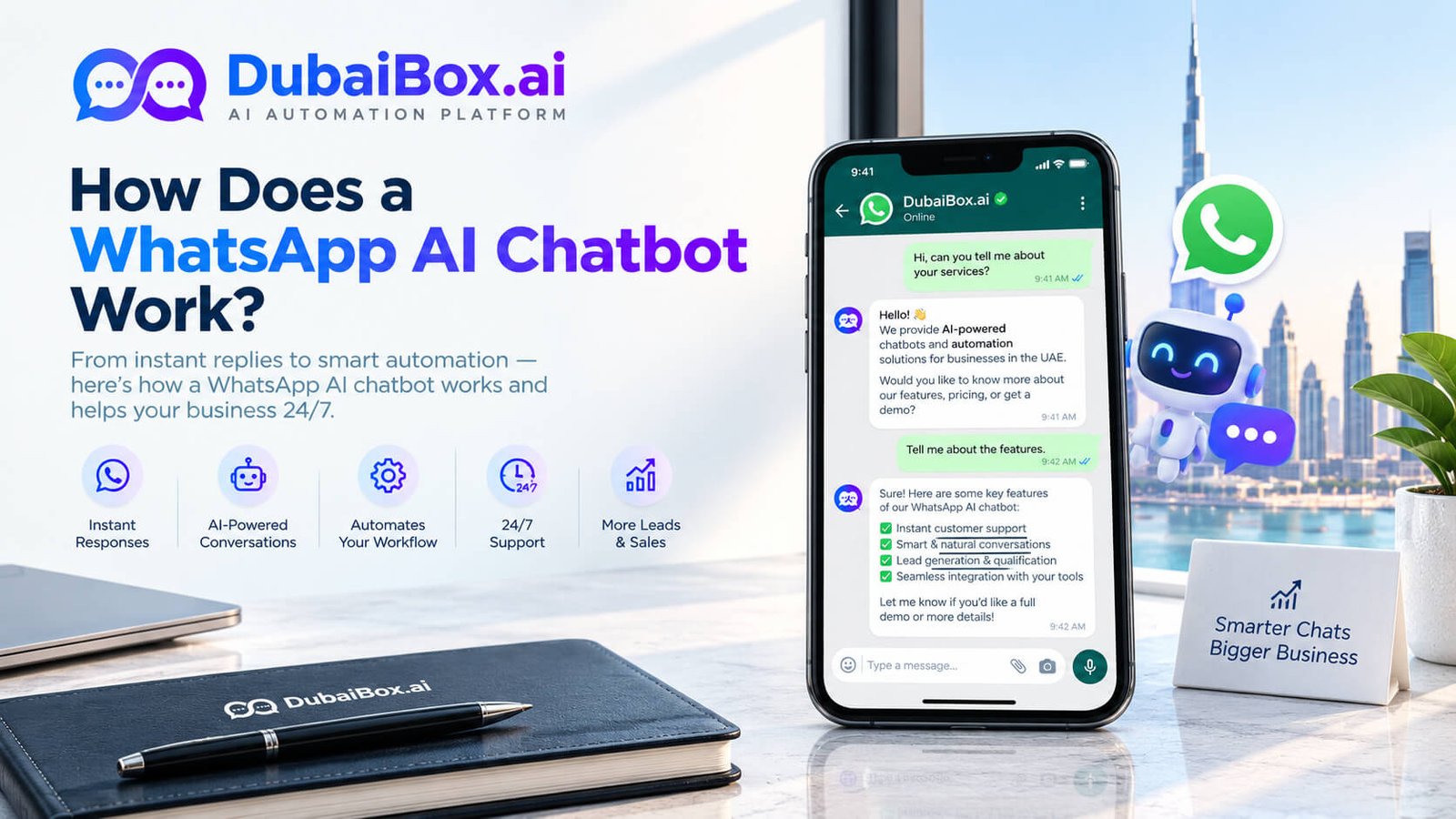
Here is what happens in the few seconds between a customer’s message and your reply:
- The customer sends a message to your WhatsApp business number, for example “Do you have a slot for a haircut tomorrow evening?”
- WhatsApp passes it on. Meta’s WhatsApp Business Platform receives the message and instantly forwards it to your chatbot software through a secure connection called a webhook.
- The AI works out what the customer wants. A language model reads the message, in Arabic or English, and recognises the intent: a booking request for tomorrow evening.
- It checks your information. The chatbot looks up what it needs, such as your services, prices or free slots in your booking calendar.
- It replies, or hands over. The answer goes back through WhatsApp within seconds (“We have 6:30 pm or 8:00 pm, which works for you?”). If the question is unclear or sensitive, the chat is passed to a staff member instead.
The whole loop repeats for every message, so the chatbot can hold a natural back-and-forth conversation and handle hundreds of customers at the same time.
The 4 parts behind every chat
1. The WhatsApp Business Platform
This is Meta’s official system for businesses that need automation, often called the WhatsApp Business API. It is different from the free WhatsApp Business app on your phone. Businesses usually connect through a Business Solution Provider (BSP) or a managed partner, because the platform has no ready-made screen of its own. Meta’s WhatsApp Business Platform documentation covers the technical details.
2. The AI brain
A large language model understands free-text messages, including spelling mistakes and mixed Arabic and English. On its own it knows nothing about your business, so it is connected to a knowledge base: your services, prices, opening hours, policies and common questions. This keeps answers accurate and on-brand.
3. Connections to your business tools
To do more than answer questions, the chatbot links to the systems you already use: a booking calendar to offer real free slots, a CRM to save leads, or an order system to share delivery updates.
4. A shared team inbox
Every conversation is visible to your team in one inbox on the same WhatsApp number. Staff can watch the bot, step in at any time and pick up chats it hands over, with the full history in front of them.
What a WhatsApp AI chatbot can do for a UAE business
- Answer common questions about prices, locations, opening hours and services, any time of day.
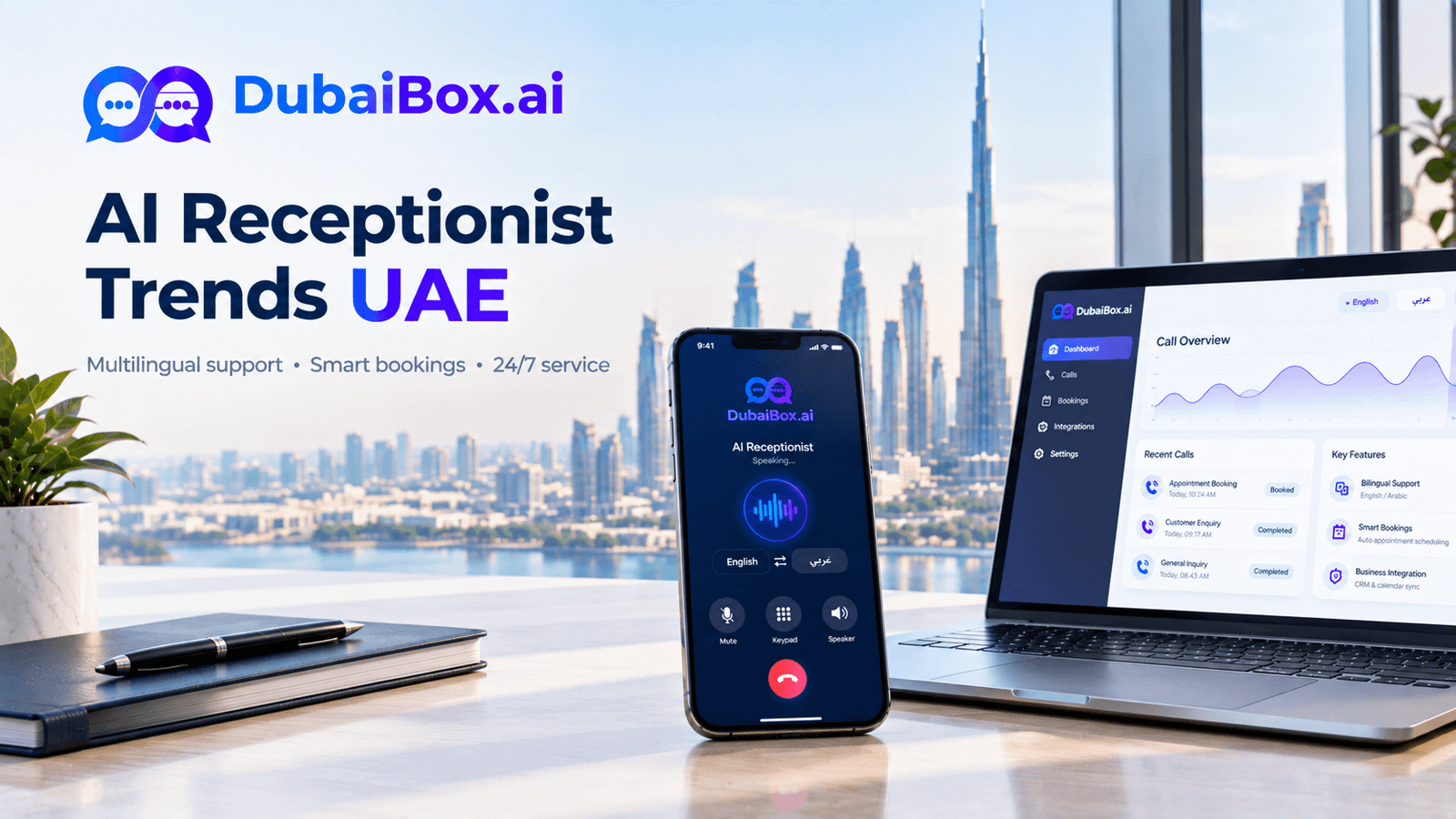
- Reply in Arabic and English, matching the customer’s language; see how bilingual Arabic chatbots handle local customers.
- Book and reschedule appointments directly into your calendar.
- Capture leads by asking a few qualifying questions and saving the answers to your CRM.
- Send updates such as booking confirmations, reminders and order status messages.
- Cover after-hours messages, so evening and weekend enquiries are answered instead of going cold.
The rules a WhatsApp chatbot works within
WhatsApp protects its users, so business chatbots follow a few clear rules:
- The 24-hour reply window: when a customer messages you, your business can reply freely for 24 hours after their last message.
- Approved templates for outbound messages: to start a conversation or message someone after that window closes, you must use a message template that Meta has approved.
- Opt-in first: you can only send business-initiated messages to people who agreed to hear from you.
- Data and consent: customers should know they are chatting with an automated assistant and how their data is used. Check where chat data is stored if you handle sensitive information.
Rule-based bot or AI chatbot?
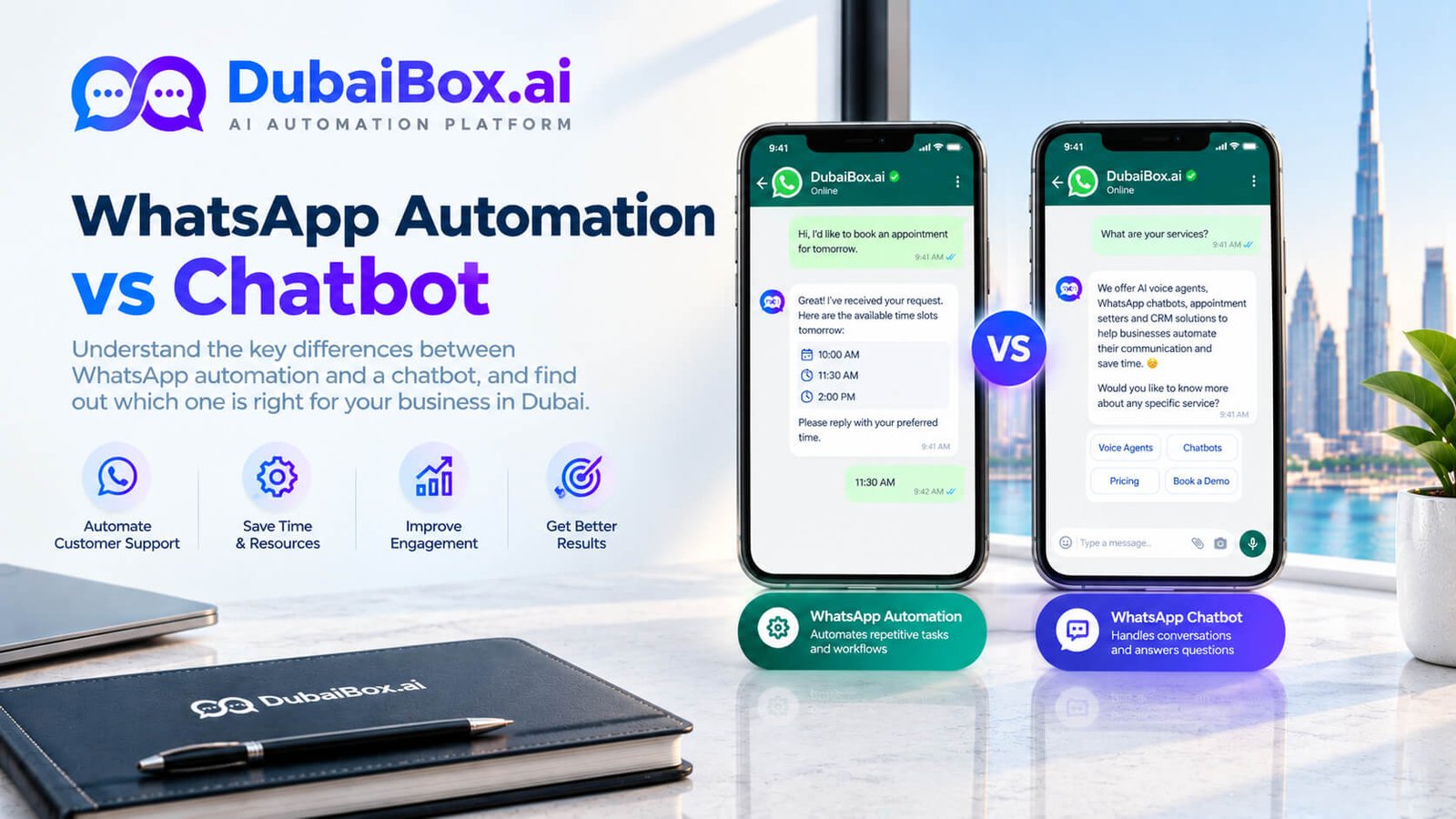
A rule-based bot follows fixed menus and buttons, so it is predictable but breaks when customers type something unexpected. An AI chatbot understands free text, so it handles real conversations better; many businesses use both, with buttons for simple choices and AI for everything else.
What you need to get started
- A WhatsApp Business Platform (API) number, verified for your business. Read about getting a WhatsApp Business API number in the UAE.
- A provider or partner to connect the platform to chatbot software.
- Your knowledge: FAQs, price lists, policies and the tasks you want automated.
- A plan for handover: who on your team picks up the chats the bot passes on, and when.
How Dubai Box Ai builds a WhatsApp AI chatbot
The team at Dubai Box Ai builds WhatsApp AI chatbots by starting with your most common questions and handover rules, writing answers in Arabic and English, testing real scenarios with your staff before launch, and reviewing conversations in the first weeks. Complaints, payments and sensitive questions are always routed to a person.
Frequently Asked Questions
See a WhatsApp AI chatbot answer a real question Book a short demo chat in Arabic and English using your own business questions, then request pricing for your setup. |
Contact & Booking Details
 Skip to main content